Whitepaper on Seat Layout Workflow for Movie Ticket Booking Mobile App
TL;DR

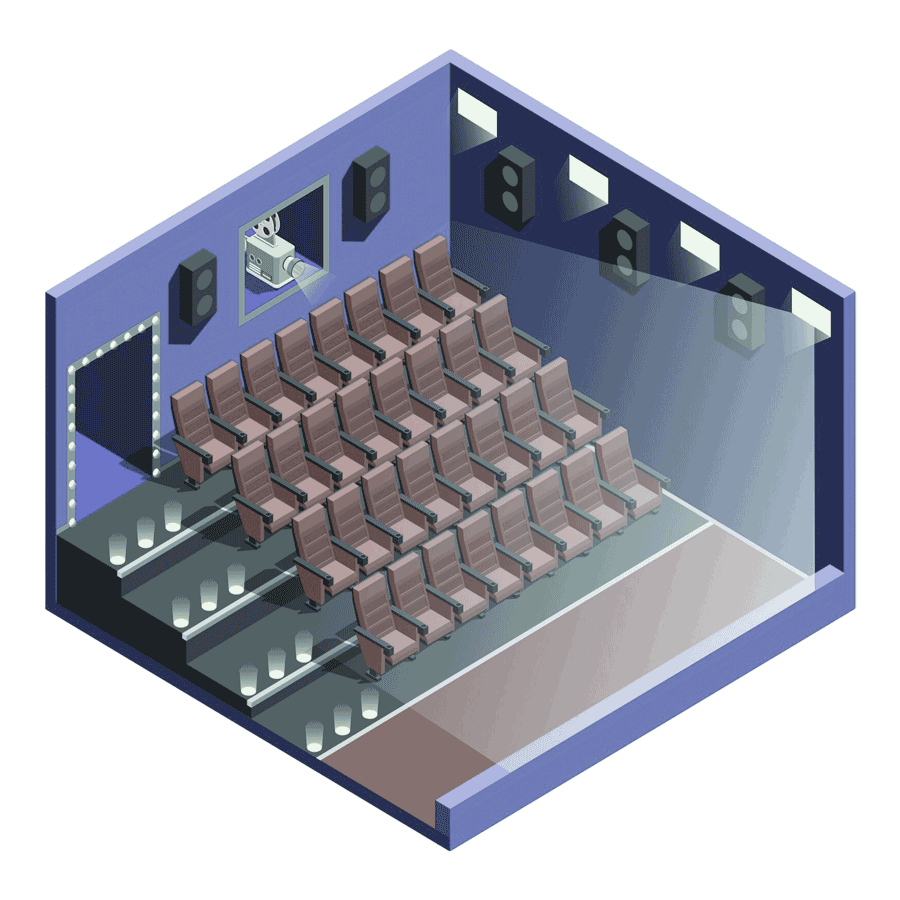
This white paper explains how to design and implement a dynamic seat layout workflow for movie ticket booking apps on iOS (Swift, Xcode) and Android (Kotlin, XML).
It covers UI/UX best practices, reusable components, and scrollable grid layouts to handle large theatre seat maps efficiently.
The workflow supports real-time seat availability, fetched from backend services and updated dynamically in the UI.
Users can easily select, preview, and auto-allocate multiple seats, improving booking speed and experience.
Features like seat status differentiation, theatre screen orientation, and preview maps enhance user clarity and engagement.
The solution follows MVVM architecture, platform-specific design guidelines, and scalable development practices.
Key Takeaways
Reusable & Scalable Seat Layout Architecture: The implementation uses reusable category, row, and seat components, enabling scalability across different theatre sizes and seating configurations on both iOS and Android.
User-Centric Seat Selection Experience: Visual indicators for Available, Selected, Reserved, and Not Available seats reduce confusion and improve decision-making during ticket booking.
Real-Time Backend Integration: Seat availability is fetched using URLSession (iOS) and Retrofit/Volley (Android), ensuring real-time accuracy and preventing double bookings.
Enhanced Navigation with Preview & Screen Orientation: Fixed row/category labels, a live preview map, and visible theatre screen placement help users maintain spatial awareness while scrolling large seat layouts.
Efficient Multi-Seat Auto Selection: The app allows users to select a seat count first and automatically allocates adjacent seats, significantly improving usability for group bookings.
Production-Ready Booking Workflow: Secure POST-based seat booking, loading indicators, and success/error handling make the solution suitable for real-world cinema and OTT ticketing platforms.
Relevant Article

IT Trends 2025-2030
Introduction to Design Patterns

Creational Design Pattern
Kalpita Technologies® is a Registered Trademark © 2026 All Rights Reserved.